One Claude Code session is impressive right up to the moment you need three changes at once. The usual reflex is to open three terminal tabs in the same repository. It works for a few minutes, then two agents edit the same file, one switches branches under the other, and your test run starts reading a checkout that no longer exists.
Parallel agents are not a prompting problem. They are a filesystem problem. Claude Code does its work through ordinary files, so two sessions need two working directories that do not share a branch or an index. Launching several Claude Code instances is easy; keeping them from stepping on each other is the part that needs a design decision.
Why terminal tabs are not parallel work
A git repository has one checked-out branch per working tree. Open two Claude Code sessions in that tree and they share everything: the same files, the same index, the same node_modules, the same dev server port. The sessions look independent because the terminals are independent, but the code underneath is not.
- One agent runs
git switchorgit rebaseand the other agent keeps editing the old files. - Two agents write the same file; the last save wins and the first change disappears from the working tree.
- A test watcher, dev server or migration runs against whichever branch happened to be checked out at that second.
- Reviewing the result is guesswork because the diff contains work from every session at once.
Tabs are still useful for read-only exploration, log tailing or a quick question. They stop being useful as soon as an agent needs to edit files and run tests.
Three practical ways to run parallel sessions
There are three options worth considering. They differ in how much isolation they give you and how much bookkeeping they leave to you.
- Terminal tabs in one checkout — fast to start, unsafe for concurrent edits.
- Manual git worktrees plus one Claude Code instance per worktree — real isolation, but you manage paths, dependencies and cleanup.
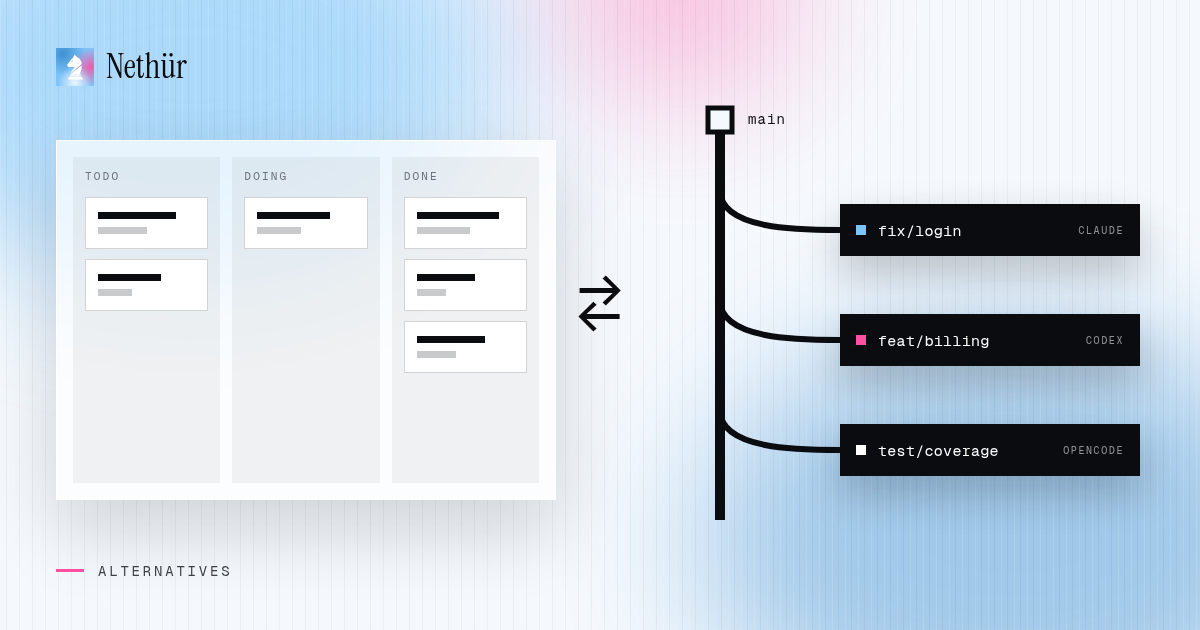
- A workspace such as Nethür that creates and tracks worktrees, runs an agent in each and puts the diffs and sessions in one place.
Option 1: create git worktrees yourself
A git worktree is a second checkout of the same repository, on its own branch, in its own directory. Git shares the object database, so the copy is cheap, but the files and index are independent.
git fetch origin
git worktree add ../shop-fix-login -b fix/login origin/main
git worktree add ../shop-fix-billing -b fix/billing origin/main

cd ../shop-fix-login && claude
# second terminal
cd ../shop-fix-billing && claude
Now each Claude Code instance sees a different directory and a different branch. You can ask one to fix the login race while the other rewrites billing, and neither can overwrite the other’s files.
The catch is everything a new checkout does not have. Dependencies are missing, .env files are missing, and both sessions may try to bind the same port. You either reinstall in every worktree or share the heavy, gitignored directories. Nethür documents the same problem and its own answers in the worktree guide: shared paths, nethur.yaml entries, .worktreeinclude and setup hooks.
Option 2: use Claude Code’s own parallel surfaces
Claude Code itself keeps adding ways to run more than one stream of work. The desktop app can run parallel sessions in isolated git worktrees, and subagents and agent teams let one session delegate parts of a job. If you live entirely inside Anthropic’s product and work alone, that may be enough.
Those surfaces are still scoped to Claude. They do not give you one workspace where Claude Code, Codex and other CLI agents run next to each other, and they do not give teammates a shared place to see and take over each other’s sessions. If your parallel work crosses agents, machines or people, you need a layer above the agent.
Option 3: a workspace that runs the worktrees for you
Nethür is built around the idea that a task gets a workspace, not a tab. Each worktree is a real git worktree with its own branch, files, terminals, editor tabs and browser tabs. Creating one is a short dialog, and the git work happens in the background.
- Install Nethür and add the repository. For a team, pick the machine that will host the work — your laptop, a teammate’s machine, a VPS or an SSH target.
- Create a worktree for each parallel task. Name it after the job, choose the start-from ref (usually
origin/main) and link a GitHub, GitLab, Linear or Jira item if there is one. - Open the agent picker inside each worktree and launch Claude Code. Nethür starts it with that worktree as the working directory, so the two sessions cannot collide.
- Split the panes or switch between worktrees while the agents run. The sidebar shows which sessions are working, waiting or done.
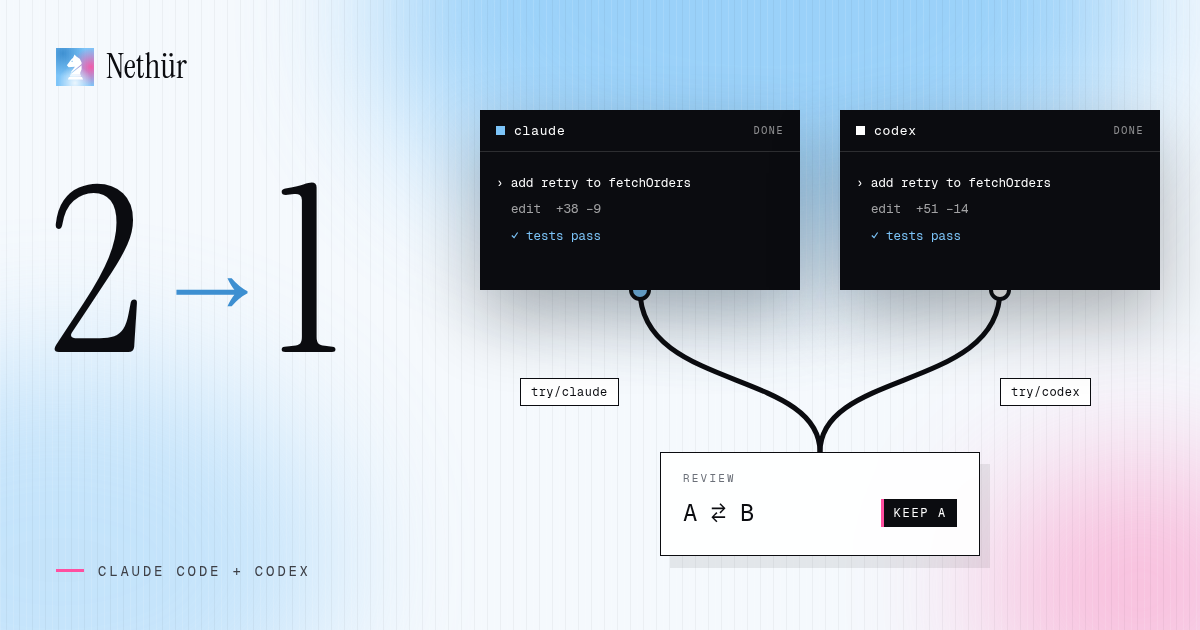
- Review each diff against its own start-from ref. Keep the winner, commit and push, open the pull request from that worktree, then delete the losing worktrees and their branches.
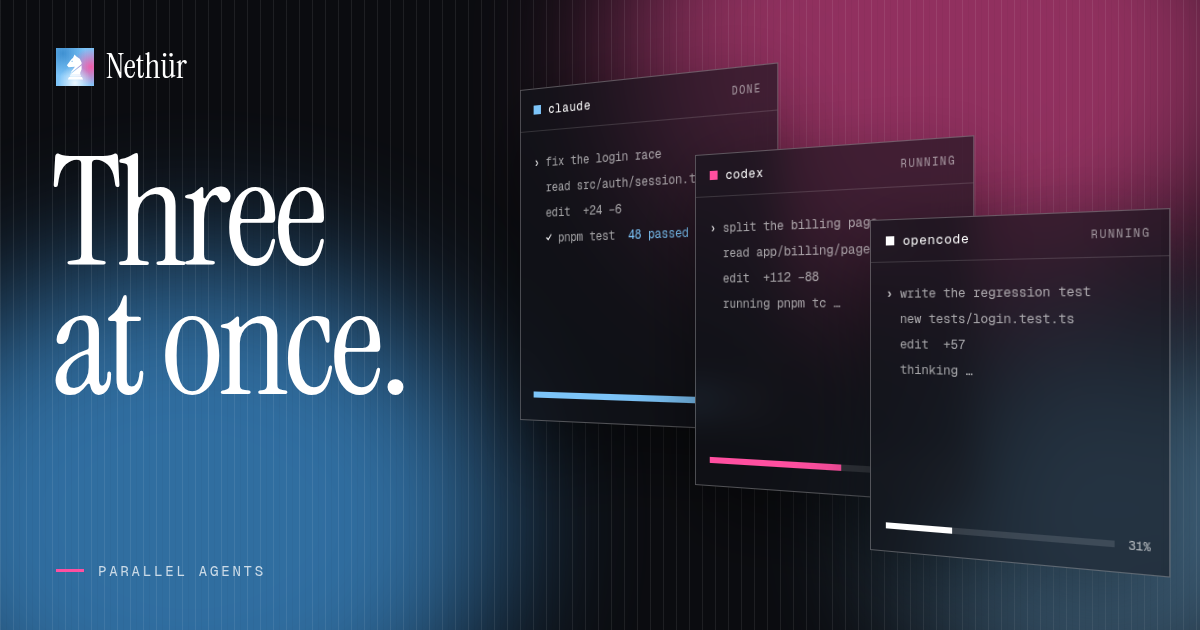
The important difference is not the button that creates a worktree. It is that the worktree, the agent session, the diff and the cleanup stay attached to the same task. The parallel agents recipe walks through the same flow with screenshots and a three-agent example.
Which approach fits your work?
| Approach | File isolation | Setup | Review | Team |
|---|---|---|---|---|
| Tabs in one checkout | None — shared files and branch | Instant | Mixed diff, manual untangling | No shared view |
| Manual git worktrees | Full — one branch per worktree | Git commands, dependencies, env files | One diff per directory, by hand | Paths passed around in chat |
| Claude Code desktop | Full for Claude sessions | Install and sign in | Built-in review for Claude | Single-user surface |
| Nethür | Full — git worktree or folder workspace | Add repo, create worktree | Per-worktree diffs, annotations, PR flow | Shared projects, chat, takeovers |
Four patterns that use parallelism well
- Same task, three agents. Give the identical prompt to Claude Code, Codex and another CLI in three worktrees. Compare the diffs instead of retrying sequentially; disagreement usually points at the hard part.
- Split by surface. One agent owns the API change, one owns the UI, one writes the tests. Link the same issue to each worktree so the context stays visible.
- Implement and review. Let one agent make the change while a second, in a separate worktree, reads the diff and looks for regressions. You stay the tie-breaker.
- Explore and ship. Keep a long-running research session in one worktree and a clean implementation session in another. The research agent never dirties the branch you are about to merge.
Pitfalls to plan for
- Dependencies and local secrets. A new worktree is a clean checkout. Share
node_modulesand caches, copy.envfiles with.worktreeinclude, or run a setup hook after creation. - Ports and databases. Two dev servers on
3000will fight. Give each worktree its own port and, when possible, its own database or schema. - Generated files and migrations. Do not run two migrations against the same database unless the tooling is built for it.
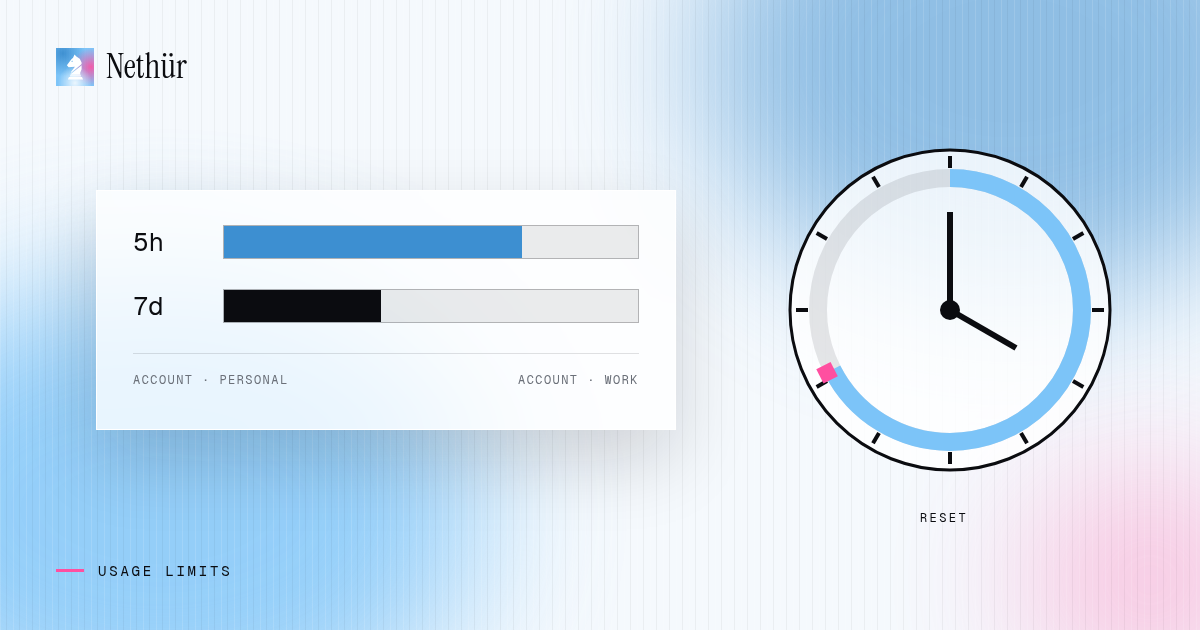
- Token budget. Parallelism multiplies usage. Start with two or three sessions, watch the usage meters and stop the ones that are only waiting.
- Cleanup debt. Every worktree is a branch. Delete the losers as soon as you pick a winner, or the repository fills with abandoned experiments.
Parallel work gets harder with people
The moment two developers run agents on the same project, the filesystem problem becomes a coordination problem. Whose worktree is on which branch? Who is waiting for a review? Can someone else pick up a session when the author goes offline?
Nethür handles that with shared projects and a team server: everyone connects to the same workspace, sees the active sessions, @mentions each other next to the work and can take over a session without copying a transcript. Each person still signs in with their own Claude subscription; there is no shared key to rotate. The team guide covers the setup.
Start with two worktrees
Pick one task that would normally take two sequential Claude Code runs. Create two worktrees from the same ref, give both agents the same prompt, and compare what comes back. That one experiment tells you more about parallel work than any benchmark: you will see the isolation benefit, the dependency friction and the review cost on your own repository.
When it works, keep the winning branch and delete the other worktree. Then do it again with a task that splits cleanly in two. Parallel agents are a habit, not a switch.