Most “Codex vs Claude Code” comparisons are written from someone else’s repository. They test a toy app, a benchmark or a single prompt, and the verdict changes every time either model ships an update. The comparison that matters is the one on your code, with your tests, your conventions and your odd build script.
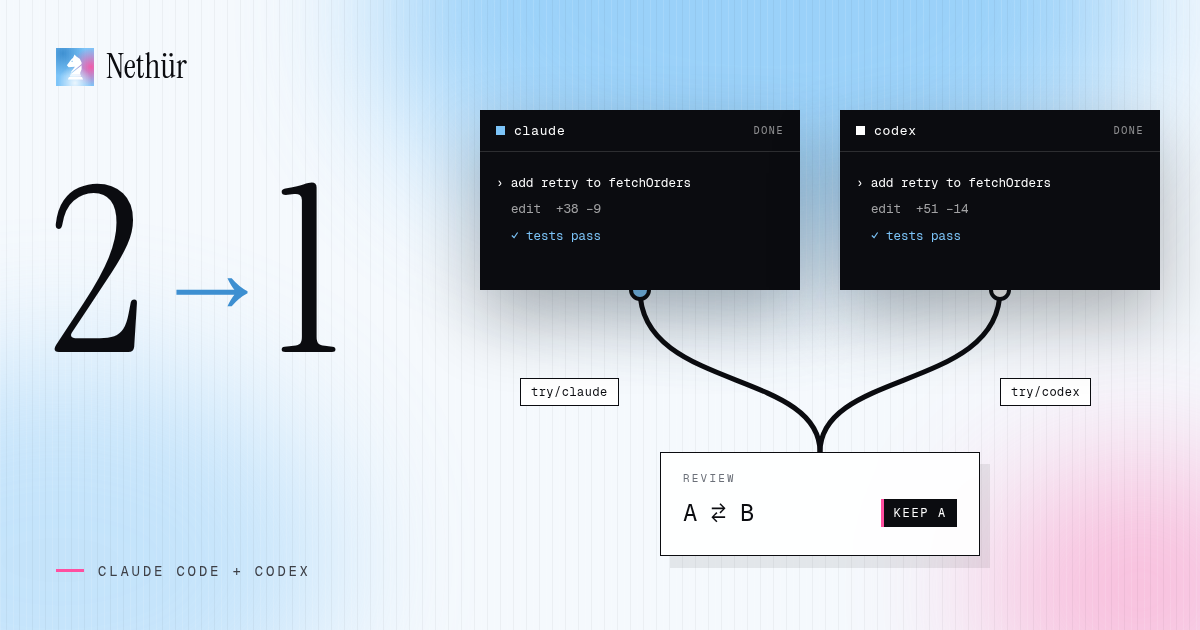
The cheapest way to get that answer is to stop choosing. Run both agents on the same task at the same time, let each one produce a branch, and review the results side by side. You lose a little usage on the agent that loses. You gain a second opinion, a fallback when one provider is rate-limited, and a habit of reviewing diffs instead of trusting transcripts.
Why run two different agents on one task
Two different agents make different mistakes. One might over-engineer the abstraction while the other misses an edge case in the test. When both arrive at the same change, you can be more confident it is right. When they disagree, the disagreement points straight at the part of the task that is actually hard, which is usually the part you should read most carefully.
- A second opinion that costs minutes, not a second sequential attempt.
- No lock-in: if one provider has an outage or you hit a limit, the other agent is already set up on the same repository.
- A fair, ongoing comparison on your own codebase instead of a benchmark that ages in a month.
- Better prompts: when both agents misunderstand the same sentence, the prompt is the problem.
This is not about running every task twice. It pays off on changes where being wrong is expensive: a tricky migration, a concurrency bug, a refactor that touches many files, or a feature where you are not sure what the clean design looks like yet.
Why both agents cannot share one checkout
Claude Code and Codex are both terminal agents. They read and write files in the directory where you start them, run your test commands and sometimes stage or commit. Start both in the same checkout and they share one branch, one index and one set of files. Each agent edits code the other is in the middle of reading, a formatter run by one rewrites the other’s work, and the final diff is a blend you cannot attribute to either.
A git worktree solves this. It is a second checkout of the same repository in its own directory, on its own branch, sharing the object database but not the files. If worktrees are new to you, the worktrees explainer covers what they isolate and where they live.
The manual setup: two worktrees, two terminals
You can do this with nothing but git and the two CLIs. Install and log in to each agent once, then create a worktree per agent from the same starting ref so the diffs are comparable.
# one-time installs, then log in to each from a terminal
npm i -g @anthropic-ai/claude-code
npm i -g @openai/codex

git fetch origin
git worktree add ../app-claude -b try/claude-retry-logic origin/main
git worktree add ../app-codex  -b try/codex-retry-logic  origin/main

# terminal 1
cd ../app-claude && claude
# terminal 2
cd ../app-codex && codex
Paste the same prompt into both sessions. Keep it identical, including the acceptance criteria and the test command, so the only variable is the agent. When both are done, compare each branch against the base and then against each other.
git diff --stat origin/main...try/claude-retry-logic
git diff --stat origin/main...try/codex-retry-logic

# where do the two solutions differ?
git diff try/claude-retry-logic try/codex-retry-logic
Pick the winner, push that branch and open the pull request from it. Then remove the losing worktree and its branch so the experiment does not linger.
git worktree remove ../app-codex
git branch -D try/codex-retry-logic
The same workflow in Nethür
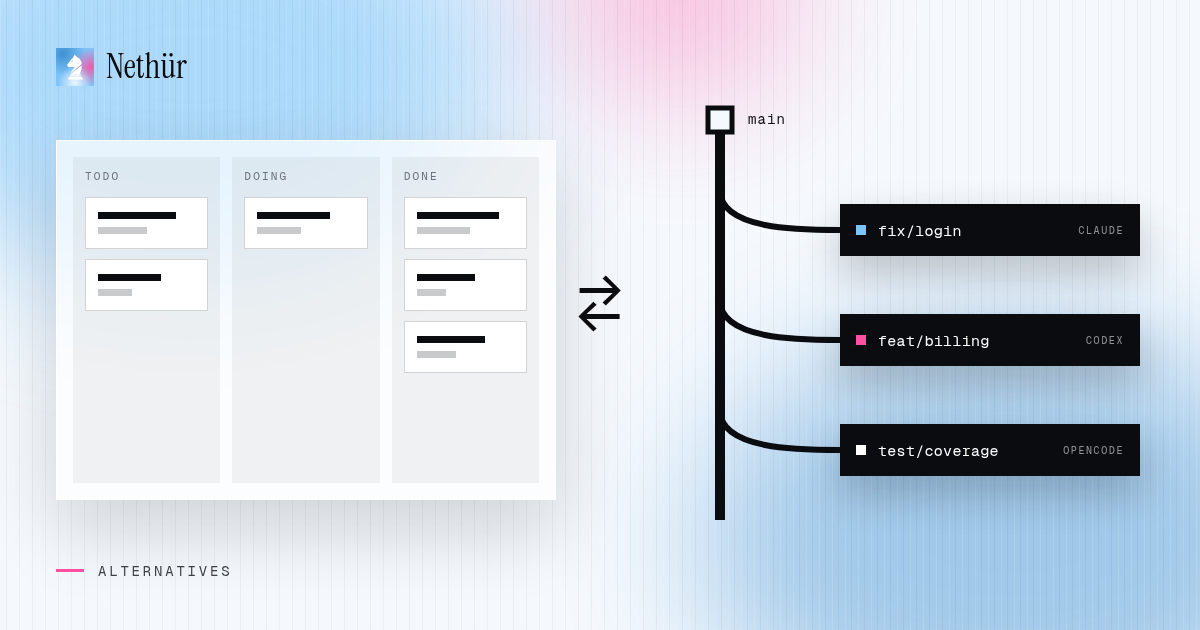
The manual version works, but the bookkeeping grows with every task: paths, branches, terminals, dependencies and cleanup. Nethür treats each task as a workspace — a real git worktree, or a plain folder workspace when the project is not a git repository — with its own terminals, editor, diff and agent sessions. Claude Code and Codex are both first-class agents in the picker, next to OpenCode, Gemini CLI, Cursor’s CLI and other terminal agents.
- Add the repository and create two worktrees from the same start-from ref, for example
retry-claudeandretry-codex. Link the same GitHub, GitLab, Linear or Jira issue to both if there is one. - In the first worktree, pick Claude Code from the agent picker. In the second, pick Codex. Each launches with its worktree as the working directory.
- Paste the same prompt into both and split the panes so you can watch them work. The sidebar shows which session is working, waiting for you or done.
- Review each diff against the start-from ref. Use diff annotations to leave notes on the candidate you prefer, then commit, push and open the pull request from that worktree.
- Delete the other worktree. Nethür removes the directory and the branch together.
The parallel agents recipe shows the same pattern with three agents. Setup details for each CLI, including where Nethür reads logins and usage, are in the Claude Code and Codex agent pages.
Ways to run both agents, compared
| Approach | Isolation | Comparing results | When one agent is limited | Best for |
|---|---|---|---|---|
| Two tabs, one checkout | None — shared files and branch | One mixed diff | Switch tabs and hope the files are clean | Asking both agents a read-only question |
| Run one agent, then the other | Full, but sequential | Reset and rerun, compare from memory | Wait for the reset | Occasional second opinions |
| Manual worktrees | Full — one branch per agent | `git diff` between branches | Other agent is ready in its own worktree | One developer who likes git |
| Nethür workspaces | Full — worktree or folder workspace per agent | Per-workspace diffs and annotations | Account switching and provider failover in chat | Repeated use, several agents, teams |
How to review two diffs without doubling the work
Reviewing two solutions sounds like twice the reading. In practice it is faster than reviewing one carefully, because the differences tell you where to look.
- Start with the shape. Compare files touched and lines changed. A solution that edits twice as many files needs a reason.
- Run the same test command in both worktrees. A failing test ends the comparison quickly.
- Diff the two branches against each other and read only the places where they disagree.
- Pick a winner, then ask the winning agent to absorb one good idea from the loser if there is one. Do not hand-merge two agents’ branches.
Pitfalls to plan for
- Shared ports and databases. Two dev servers on the same port, or two agents running migrations against one local database, will interfere even with separate worktrees. Give each worktree its own port and, where possible, its own schema.
- Missing setup in new checkouts. Fresh worktrees have no
node_modules,.envor build cache. Use a setup hook, shared paths or.worktreeinclude, as described in the worktree guide. - Different instruction files. Claude Code reads
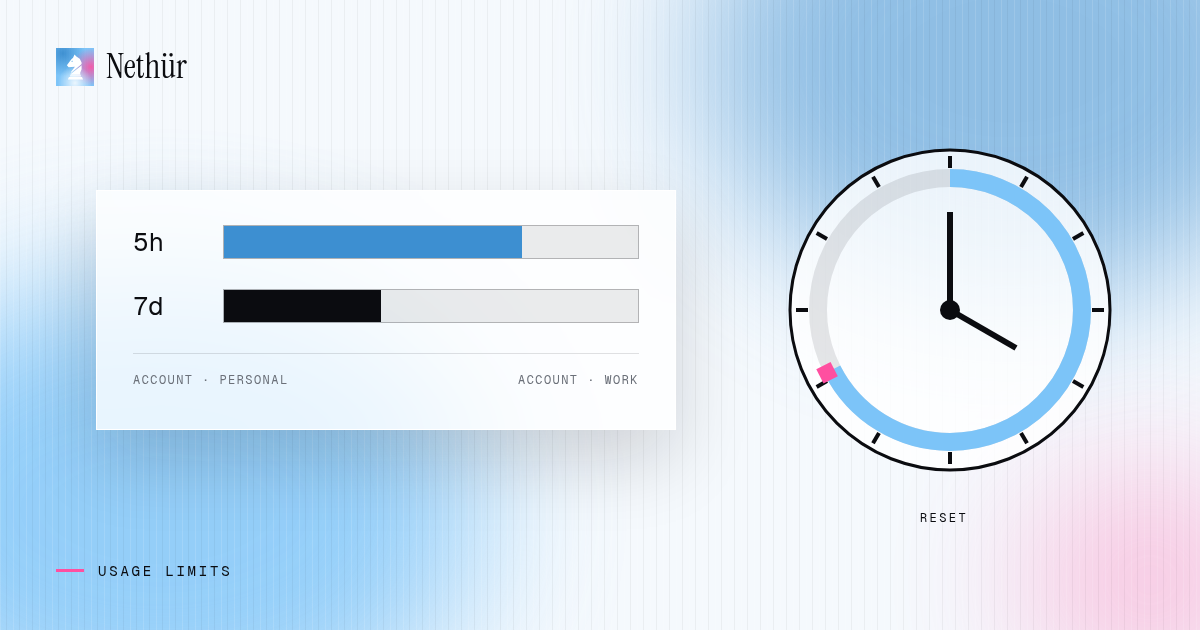
CLAUDE.md; Codex readsAGENTS.md. If the two files disagree, the agents are working from different rules. Keep one source and point the other at it. - Usage doubles. Two agents on one task spend two budgets. Save this pattern for tasks where a second opinion is worth it, and watch both usage meters.
- Permission flags. Many setups launch agents with permission prompts turned off. A worktree isolates files from each other, not the agent from your machine. Choose manual approvals for tasks you do not fully trust.
A note for teams
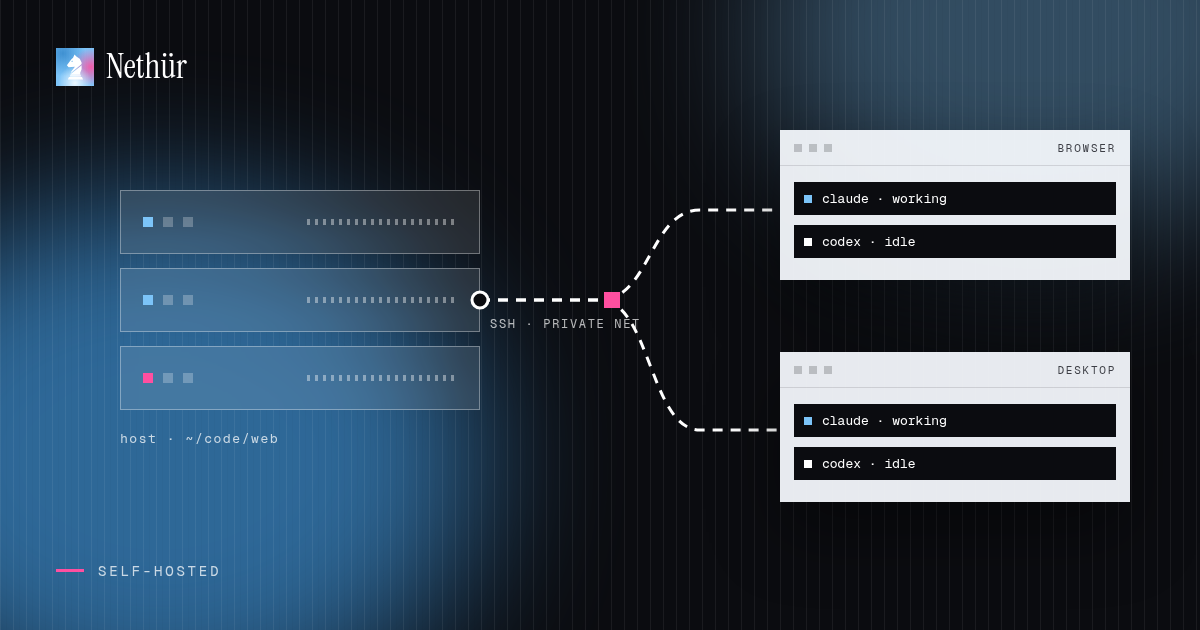
Teams rarely standardize on one agent for long. One person prefers Claude Code, another lives in Codex, and both are right for different tasks. In Nethür each teammate signs in with their own subscription for each provider, so there is no shared API key and nobody’s limit is spent by someone else. Teammates can see each other’s sessions, mention each other next to the work and take over a session when someone goes offline. The Codex comparison covers where Codex on its own is enough and where a shared workspace helps.
Try it on your next real bug
Pick a bug you would normally hand to one agent. Create two worktrees from the same ref, start Claude Code in one and Codex in the other, and paste the same prompt. Review both diffs, keep the better one and delete the other. After a few rounds you will know which agent fits which kind of task in your codebase — and that is a better answer than any public benchmark can give you.