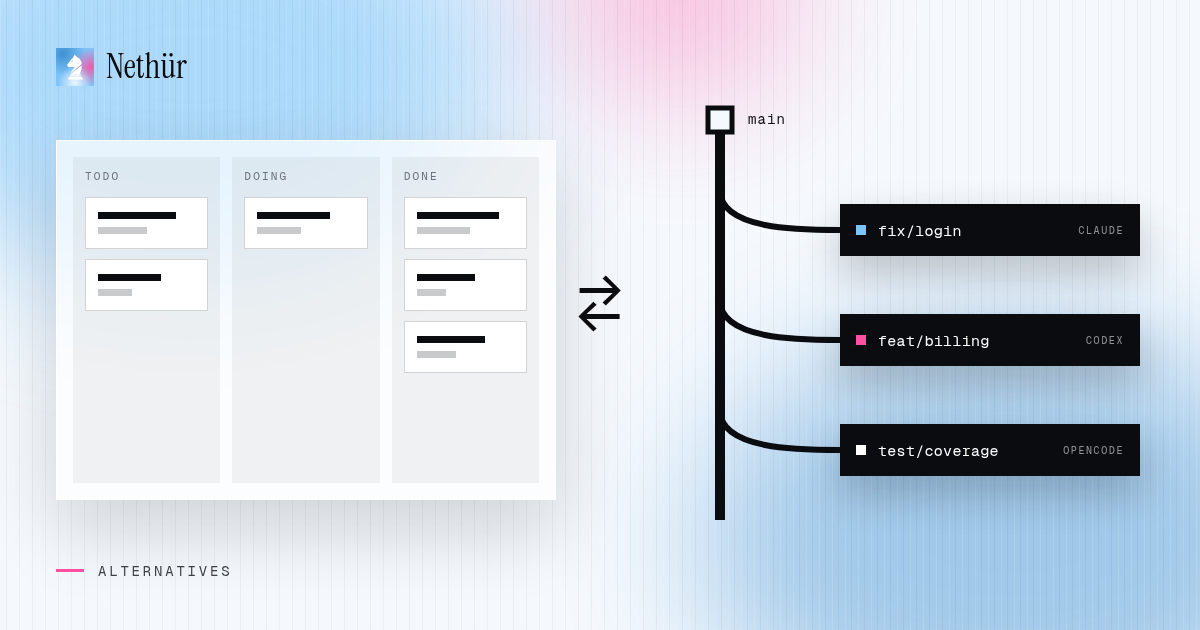
Once you run more than one coding agent, you need something to keep track of them. Two shapes have become popular. One is a board: tasks in columns, each card dispatched to an agent, progress shown by where the card sits. The other is a terminal UI: a list of agent sessions you can jump between, pause and resume without leaving the keyboard.
Vibe Kanban is usually mentioned as an example of the first shape and Claude Squad as an example of the second. This article does not try to list their features — both projects move quickly and their own pages are the place to check what they do today. Instead it looks at the categories: what a board or a terminal manager is good at, where the model starts to strain, and what to look for if you are searching for an alternative.
What an agent board does well
A board turns agent work into something you can plan. You write tasks, drag them into a column and see at a glance what is queued, running and waiting for review. For a person juggling many small tasks, that overview is the main value.
- Planning first. Tasks exist before an agent touches them, so you can prioritize.
- Status at a glance. Columns are a quick answer to “what is still running?”
- A natural place for small, independent tasks such as copy changes, small fixes and chores.
What a terminal session manager does well
A terminal UI keeps you where many developers already live. You start agent sessions, switch between them with a keystroke and never open another window. It is light, scriptable and works over plain SSH.
- Keyboard speed. Jumping between sessions is fast and predictable.
- Low overhead. A small tool on top of a terminal multiplexer, with little to configure.
- Remote by nature. If you already SSH into a dev box, a terminal manager comes with you.
Where the model starts to strain
The strain rarely comes from the board or the session list itself. It comes from everything around the agent that the tool was not designed to own.
- Isolation. If agents share a checkout, parallel work collides. Every session needs its own branch and files, plus a plan for dependencies,
.envfiles and ports. - Review. A card in a “done” column is not a reviewed diff. You still need to read each change against its base, annotate it and turn it into a pull request.
- Where the work runs. Laptop sleeps, Wi-Fi drops, builds are slow. Moving agents to a server or an SSH host changes what the tool needs to handle.
- Several agents. Running Claude Code next to Codex, OpenCode or Gemini CLI means several logins, several usage limits and several instruction files.
- Other people. The moment a teammate needs to see your session, comment on it or continue it, a single-user tool becomes a screen-share.
What to look for in an alternative
Whatever you pick, judge it on the things that hurt once parallel agent work becomes routine.
- Real git worktrees by default, with a fallback for folders that are not git repositories.
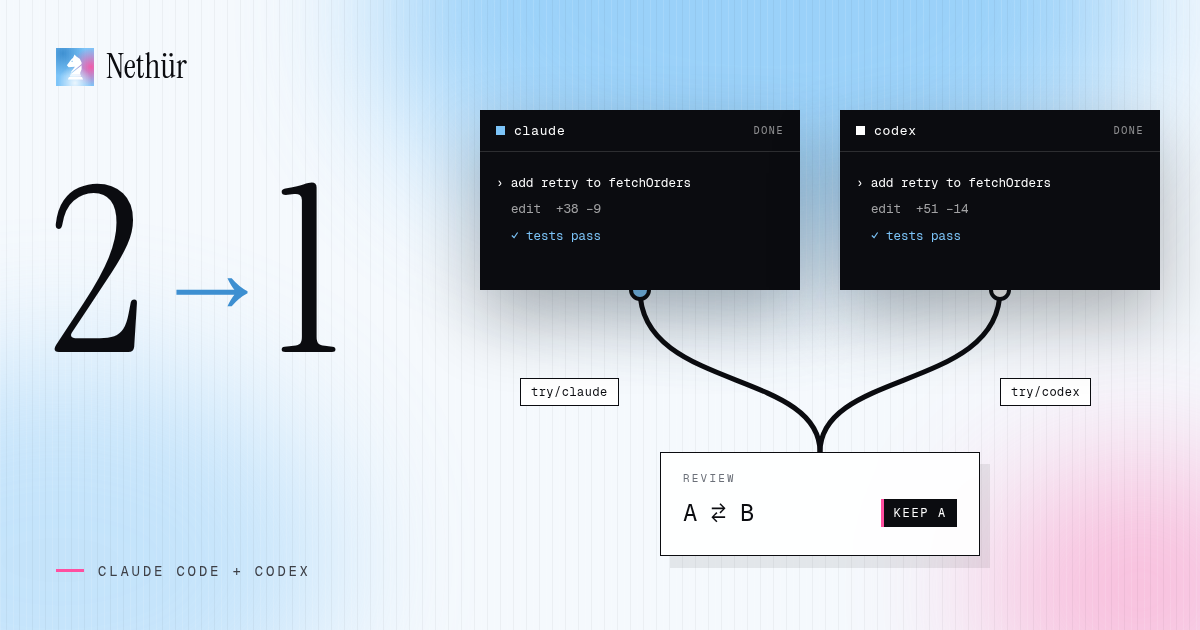
- Any terminal agent, not one vendor. You should be able to run Claude Code and Codex on the same task and compare.
- A review step that works on diffs, with a path to a GitHub or GitLab pull request.
- Remote execution: a server or SSH host that keeps working when your client disconnects.
- Usage visibility across accounts and providers, so parallel work does not end in surprise limits.
- Team features if you have a team: shared projects, presence, chat next to the work and session takeover, with each person on their own subscription.
Boards, terminal managers and workspaces compared
| Category | Unit of work | Strongest at | Usually left to you |
|---|---|---|---|
| Agent board | A card in a column | Planning and status overview | Review depth, remote hosts, teammates |
| Terminal session manager | A session in a list | Keyboard speed, low overhead | Diff review, shared visibility, usage across accounts |
| Manual worktrees and tabs | A directory and a terminal | Full control, no new tool | All bookkeeping and cleanup |
| Parallel agent workspace | A workspace: worktree, terminals, diff, sessions | Isolation, review, remote hosts, teams | Choosing which tasks deserve parallel agents |
Where Nethür fits
Nethür is a workspace in the last row of that table. Each task gets a real git worktree, or a folder workspace when the project is not a git repository, with its own terminals, editor, browser tabs, diff and agent sessions. Claude Code, Codex, OpenCode, Gemini CLI, Cursor’s CLI and other terminal agents run side by side from the same picker.
It keeps the useful part of a board: Tasks shows your own tasks and GitHub issues as a board or a list, per project or across all of them, and starting work on a task opens a worktree for it. GitHub, GitLab, Jira and Linear items can be linked to worktrees so the context stays visible. Then it adds what boards and terminal managers usually leave out:
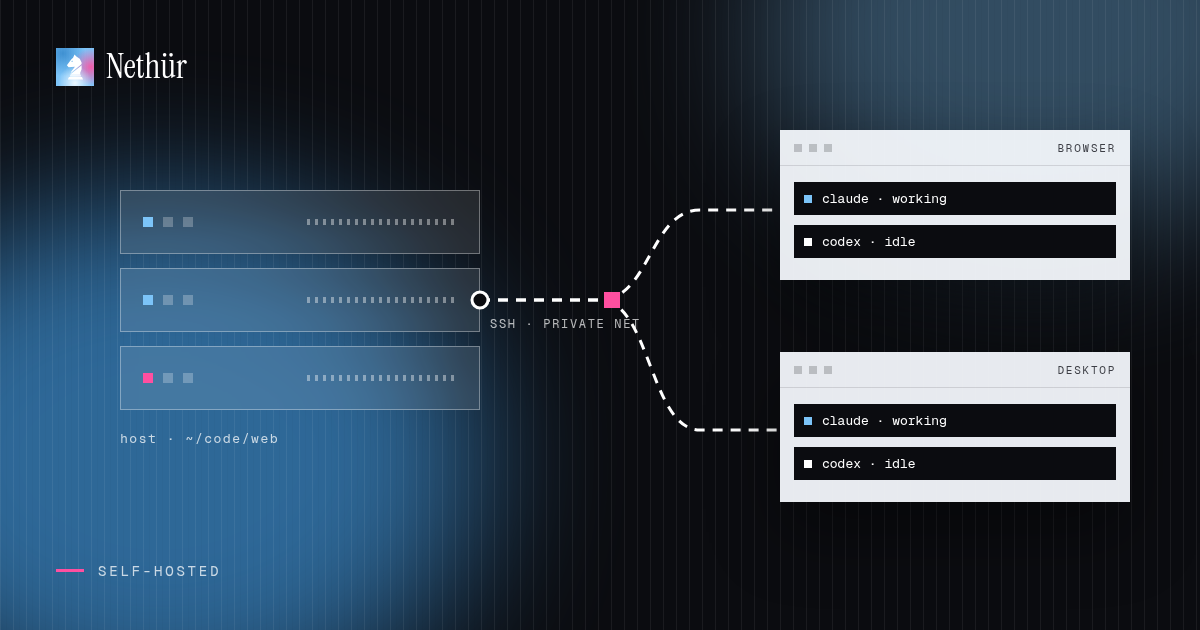
- Where it runs. The desktop app can host locally, a team server can run on a VPS or office machine, and workspaces can run on an SSH target. Browser and desktop clients connect to the same work.
- Review. Per-worktree diffs, annotations and a pull request flow from the winning worktree.
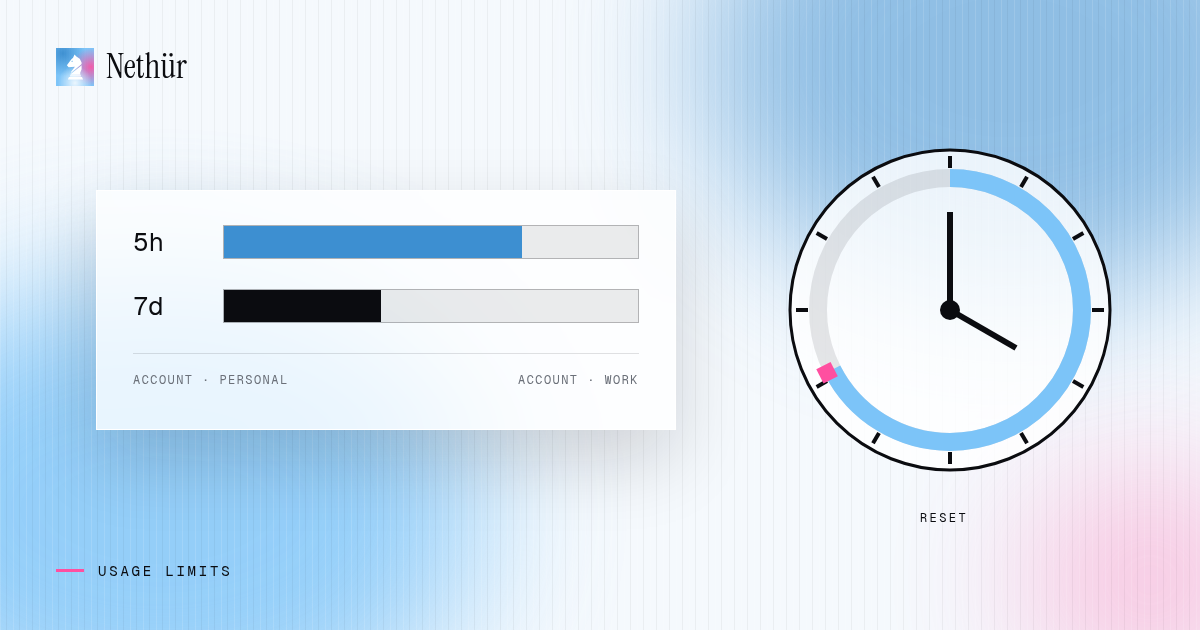
- Usage. Local usage tracking per account, account hot-swap, stop thresholds and failover between subscriptions.
- Team. Shared projects, team chat with @mentions and live drafts, notes, shared skills and session takeover. Each teammate brings their own subscription; there is no shared API key.
Solo use is free. Team is $3.99 per seat per month, or $35.99 per year. Nethür does not resell model access. The parallel agents recipe shows the core workflow, and the worktree docs cover setup hooks and shared paths.
Moving from a board or terminal manager
- Finish or park what is running. Do not move a live agent session mid-task.
- Keep your agent logins and instruction files. Claude Code, Codex and the others read their own config; a workspace launches the same CLIs.
- Pick a host. Start on your own machine, then move to a server or SSH target when agents need to outlive your laptop. Ways to run Nethür compares the options.
- Recreate a few tasks as worktrees and run one real task end to end, including review and the pull request.
- Invite a teammate only after the solo flow feels natural.
Pitfalls when switching tools
- Moving everything at once. Run both setups for a week and let the better one win on real work.
- Forgetting setup per worktree. Fresh checkouts need dependencies and local env files. Automate that before blaming the tool.
- Too many agents too soon. More sessions means more review and more usage. Two or three are plenty to start.
- Treating a worktree as a sandbox. It isolates files from each other, not the agent from your machine. Choose manual approvals for untrusted tasks.
Other comparisons
If you are comparing several tools in this space, the comparison hub collects them in one place. Nethür vs Paseo looks at a close neighbour that also runs many CLI agents in parallel worktrees, and the Conductor alternatives guide covers the Mac-only desktop case. Pick the tool that matches how many people, machines and agents your work actually involves.