The first time a team tries to share Claude Code, someone creates a shared API key and posts it in Slack. It works for a week. Then the bill arrives with no way to tell who spent what, a teammate leaves and the key has to be rotated everywhere, and the rate limit is a single bucket that everyone drains together.
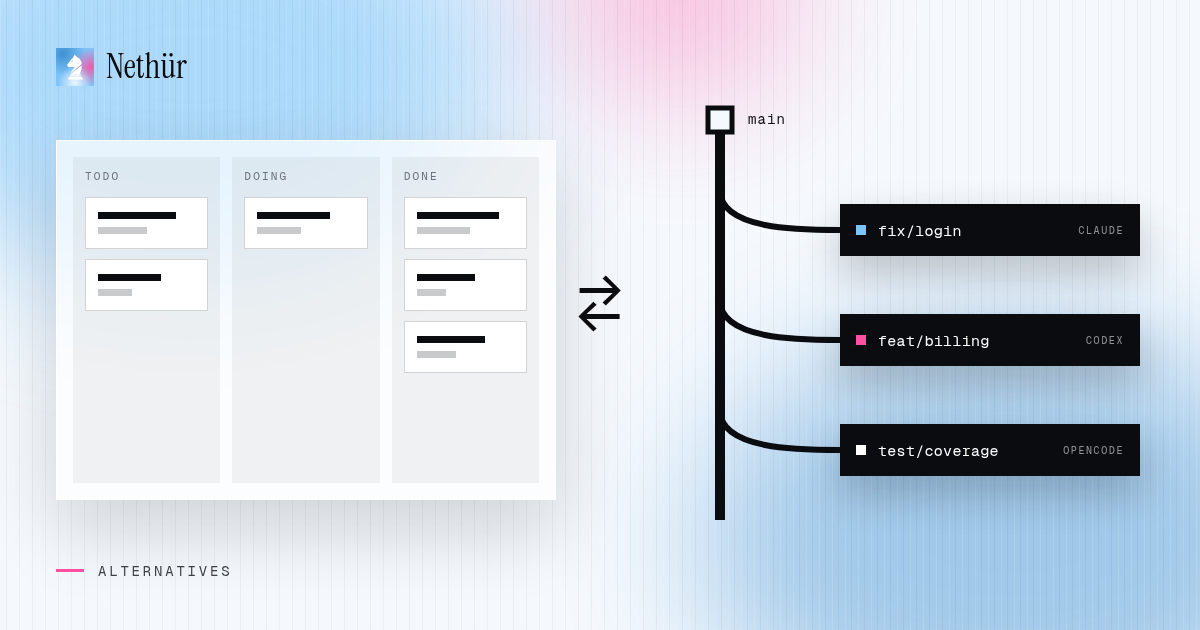
The alternative is not “no collaboration.” It is separating two things that got bundled together: the shared workspace and the model credentials. The workspace should be shared. The credentials should stay personal. Good team collaboration starts with explicit per-person access, not a credential everyone shares.
Why shared API keys fail a team
- Attribution disappears. Every request looks like the same account, so you cannot see who is burning the budget or which project is expensive.
- Offboarding is a scramble. One person leaving means finding and rotating the key in every machine, CI job and script.
- Rate limits are shared. One runaway agent can block the whole team for the rest of the window.
- Security is all-or-nothing. Anyone with the key can use it from anywhere, and a leak is hard to trace.
- Billing is disconnected from the people doing the work. The person who owns the card cannot explain the month.
A shared Claude login has the same shape of problem, plus session collisions: two people using the same account can invalidate each other’s auth or fight over the same usage window.
Share the workspace, not the credentials
A good team setup has four properties. Each teammate has their own identity and their own model subscription. The team shares projects, worktrees and sessions. Access is granted per person and can be revoked per person. And the work runs on a host the team controls, not inside a vendor’s black box.
Nethür is built around that split. It is a workspace server plus clients: the server owns projects, worktrees, terminals, agents, chat, notes and contents; the desktop app, browser and phone are clients. Model access stays with the subscriptions each person already pays for.
Set up a Claude Code team workspace
- Pick the host. A VPS, a home server, an office Mac mini or a teammate’s always-on machine all work. The host needs git, the agent CLIs and network access to the model providers. See ways to run Nethür.
- Install Nethür and start the server on that host. For a small team, the desktop app can run the server in the background; for an always-on setup, use a dedicated host and connect from the browser.
- Create the workspace and import the repositories the team shares. Projects are the unit of access: members see the projects they are invited to, not every checkout on the machine.
- Invite teammates by email and assign them to projects. A seat is an invited member; billing is per seat, not per server or per concurrent session.
- Have each person sign in to their own Claude account on the host, or connect their own account through the app. Nethür reads the existing
~/.claudesetup and tracks usage per account. No shared key is created. - Create worktrees per task and launch Claude Code inside them. The agent runs on the host; the teammate can open the same worktree from the browser or desktop app.
- Agree on the team conventions: branch naming, who reviews which worktree, when a session is handed over, and which projects are allowed to run autonomous agents.
The exact menus are in the team chat docs and the remote server docs. The important part is that steps 4 and 5 are separate: membership is a workspace decision, and model access is a personal one.
What collaboration looks like day to day
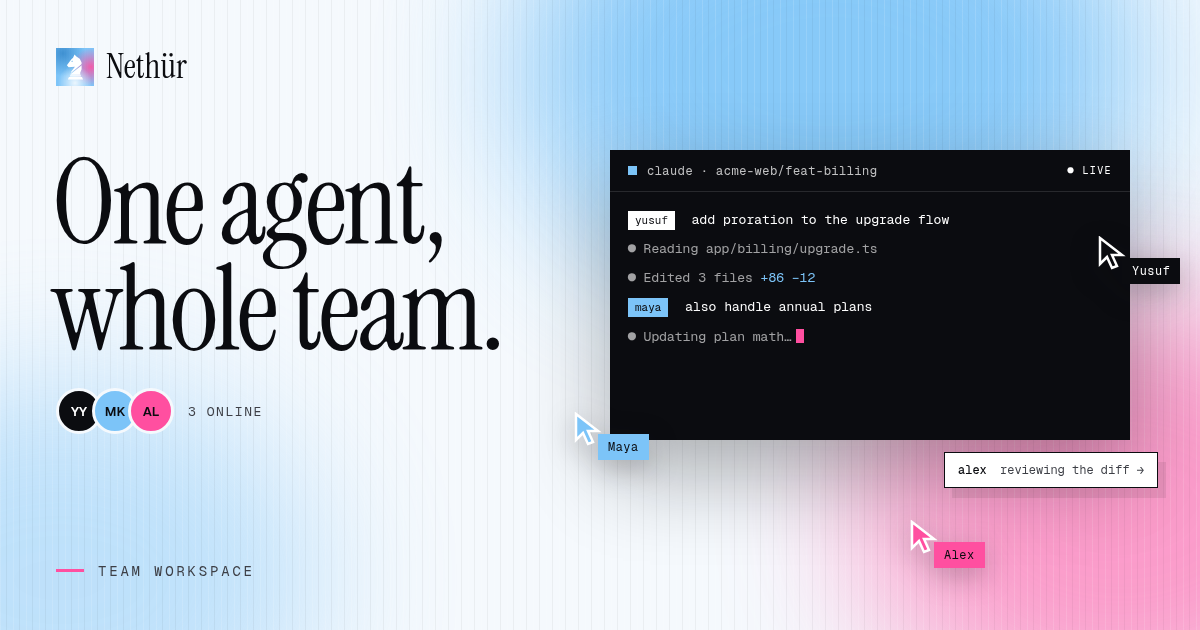
- Team chat lives next to the work, scoped to the server. Messages, files, timestamps and unread counts stay with the project instead of in a separate Slack channel.
- @mentions notify a teammate where the work is. The mention points at the worktree and session, not just a message in a feed.
- Live drafts show what a teammate is typing, including the model and sub-agent they selected. You can see that someone is already on the task before you duplicate it.
- Takeover lets a teammate open the same session and continue with the same context, provider and account. The transcript shows who asked for what, so the handoff is visible later.
- Notes and Contents belong to the project, not the worktree. Decisions, runbooks, reports and files survive after a workspace is deleted.
- Activity and notifications give you one place to see completions, blocked agents and worktree creation across the team.
The practical effect is that you stop passing screenshots and prompts around. A teammate opens the worktree, reads the transcript, asks the agent a follow-up and leaves the session in a better state than they found it.
Three ways to share Claude Code
| Shared API key | One shared login | Own subscriptions + workspace | |
|---|---|---|---|
| Who pays | Whoever owns the key | Whoever owns the login | Each person, on their own plan |
| Usage attribution | None per person | None per person | Per account and per session |
| Offboarding | Rotate everywhere | Change the password | Remove the member |
| Rate limits | One shared bucket | One shared bucket | Separate per account |
| Session collisions | Possible | Likely | Isolated by account and worktree |
| Team visibility | Chat only | Chat only | Shared projects, sessions and chat |
The operational details that matter
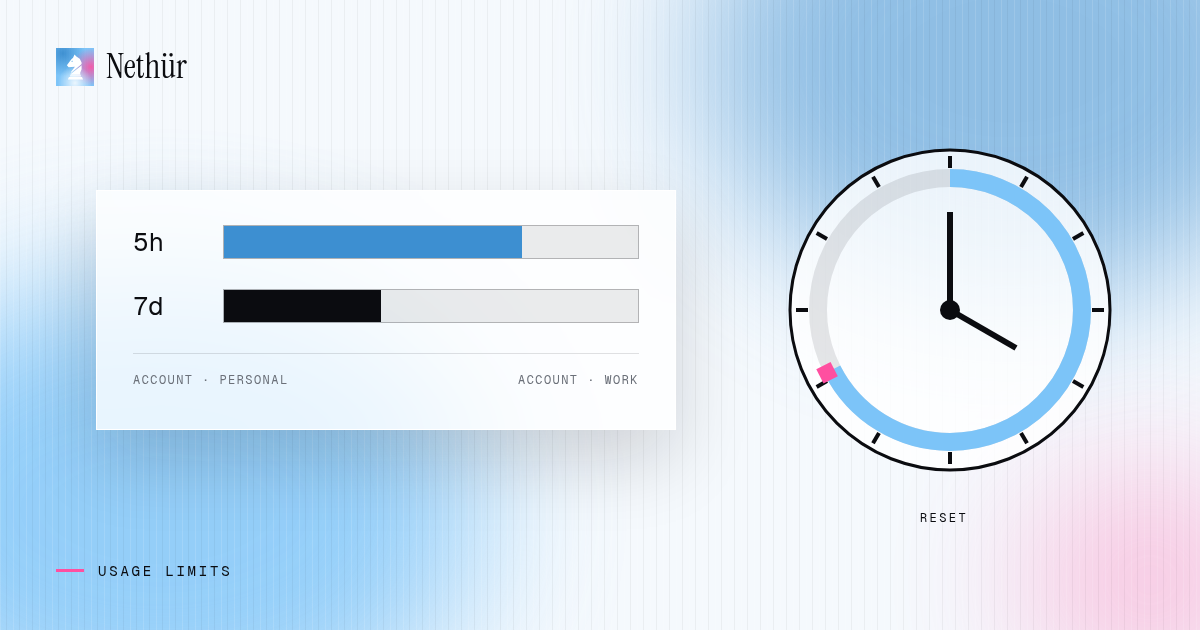
Once each person has their own account, the boring questions become manageable. Nethür tracks usage per Claude and Codex account, can hot-swap accounts without restarting a live session, and lets you order subscriptions by priority. When one provider hits a limit, a chat can hand over to the next provider with the conversation intact; if every account is out, it can resume at the earliest reset.
Two smaller features are useful for teams with expensive habits. Usage warming sends a tiny request on the cheapest model to start a Claude or Codex account’s five-hour window early, so the reset lands when the team actually needs it. A stop threshold pauses a chat when the account crosses a five-hour or weekly percentage, instead of letting an agent burn through the last of the budget.
Where the code and credentials live
The execution host owns the work. Repositories, worktrees, agent processes and account credentials live on the machine you choose; clients render the session. If the host is a VPS, that is your VPS. If it is a teammate’s laptop, access ends when that machine goes offline. Nethür does not require you to upload the repository to a hosted service to collaborate.
That model has trade-offs. Someone has to keep the host patched and backed up. The host needs enough CPU and disk for the number of concurrent agents. And if the host disappears, the team loses access until it is back — the same as any shared development server. For a small team, the operational cost is usually lower than managing a key distribution system, but it is not zero.
What it costs
Solo use on your own computer is free. A team workspace is $3.99 per seat per month, or $35.99 per seat per year, which works out to $2.99 a month. You still pay your model provider separately. There is no per-minute cloud fee and no markup on tokens.
Compare that with the hidden cost of a shared key: one person owns the bill, nobody can attribute it, and every offboarding is a small security project. The seat price buys the workspace, not the model.
When this setup is the right one
This model fits teams whose members already have Claude Pro, Max or another subscription, and who want to work in the same projects without merging their accounts. It also fits teams that need the code to stay on their own machines or VPS.
It is not a replacement for an organization-wide API contract. If your finance team needs one consolidated Anthropic invoice and centralized API key management, use Anthropic’s API and console for that. Nethür is for the day-to-day agent workspace; it does not pretend to be your model provider.
Start with one project and two people
Do not migrate the whole company on day one. Put one shared project on a small host, invite one teammate, and run a normal task through it: create a worktree, launch Claude Code, review the diff, hand the session over. If that feels boring and safe, add the rest of the team.
The goal is not to eliminate API keys everywhere in the company. It is to stop using one key as a substitute for a workspace. Those are different problems, and only one of them needs a shared secret.